
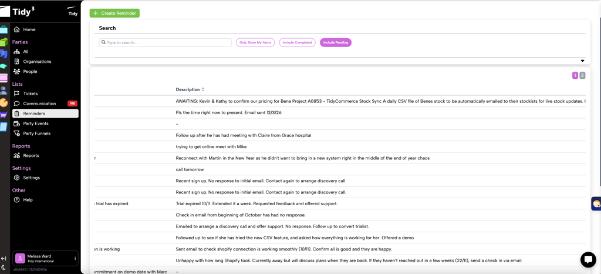
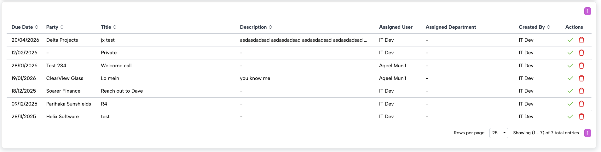
We've updated the reminders table layout so long titles and descriptions no longer push important columns off-screen. Users can now access key reminder details and actions without horizontal overflow.
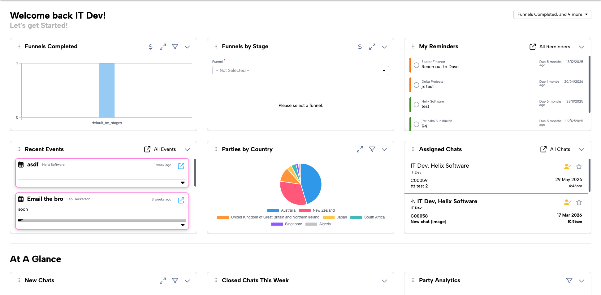
Dashboard cards have been redesigned for better consistency and readability, including fixed card heights, centered empty-state text, and expandable sections for viewing more details.
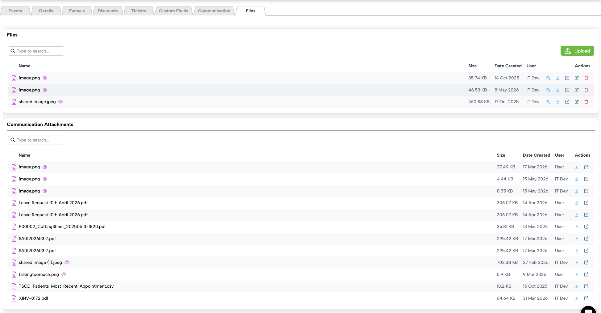
We've now added a dedicated Files area for customer records, making it easier to find attachments, message files, and other related documents in one place.
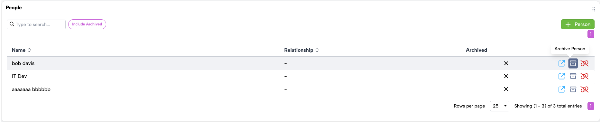
Added support for archiving people within an organisation while keeping them accessible when needed. Users can include archived contacts, view their status, and reactivate them if required.
Updated the image preview close experience so the close action is easier to find and no longer overlaps key actions in the underlying app interface.
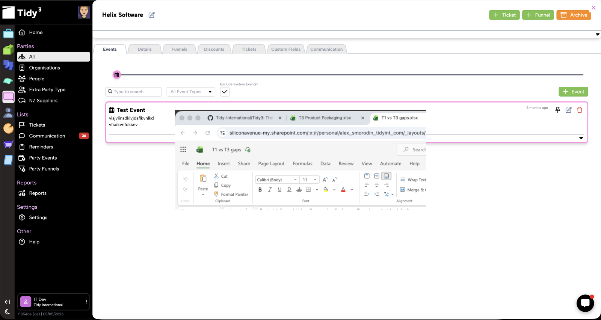
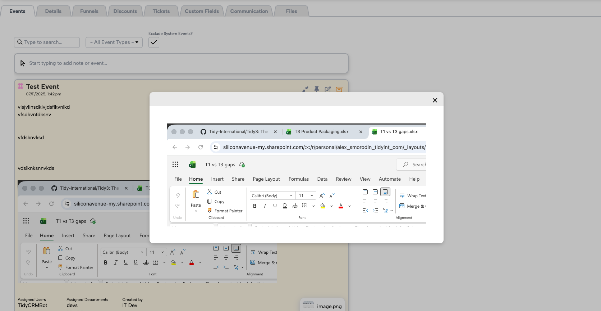
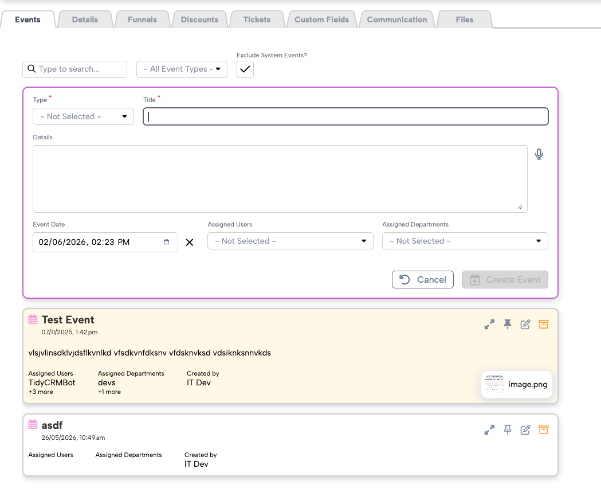
Events Reminders Part1
We've also introduced the first set of event reminder improvements, including updates to the event form view and create/edit flows. No event model changes were included in this release.
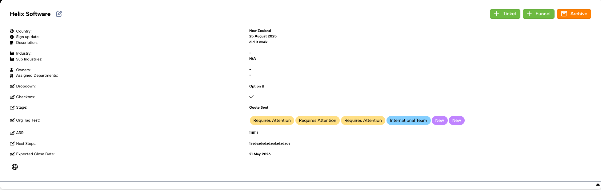
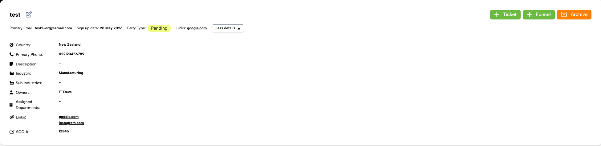
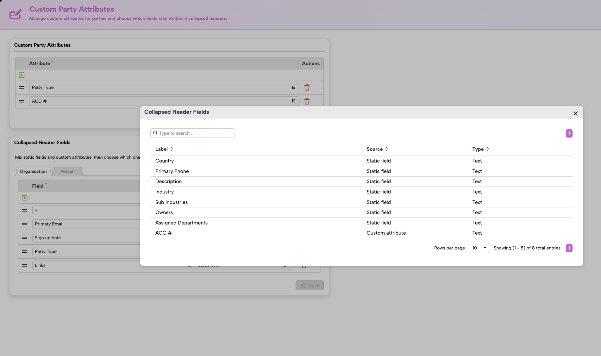
Redesigned the party header to better surface critical customer information in the collapsed state, helping users access key details faster.

Fixed the TidyChat icon placement on small screens so it no longer overlaps important interface actions, such as the message send button and Users can move the icon and drop it in the most convenient place on the screen.
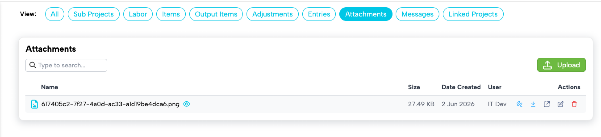
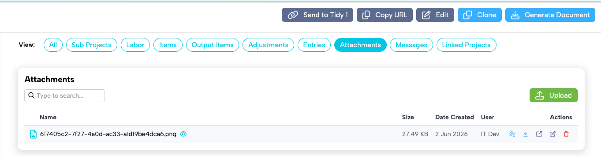
Added support for attaching documents and visuals to projects, helping project managers keep project context, references, and supporting files in one place.
Added a quick-share option for projects, allowing users to copy the project link and easily share it with coworkers through chat, email, or other channels.
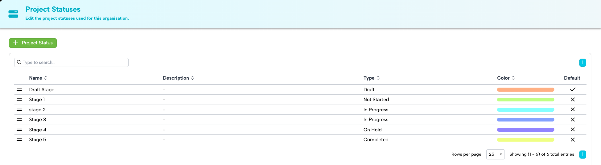
Resolved project statuses not keeping the configured order from settings when editing a project.
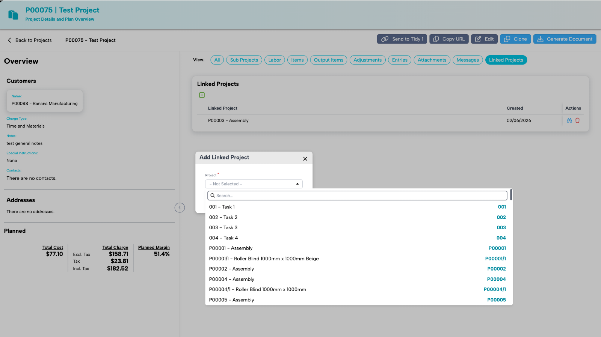
Added the ability to link related projects, helping users identify dependencies and quickly navigate between connected project records.